Okay, I am very excited about this!
I just built a blog post manager/editor that I am using right now writing these lines, and it's so cool! It was fully vibecoded and it works like a charm!
Let's recap with...
A little blogging history
It all started with Wordpress
The very first posts of this blog were written in 2011, in a Wordress.com website that is actually still available, except it's empty now.
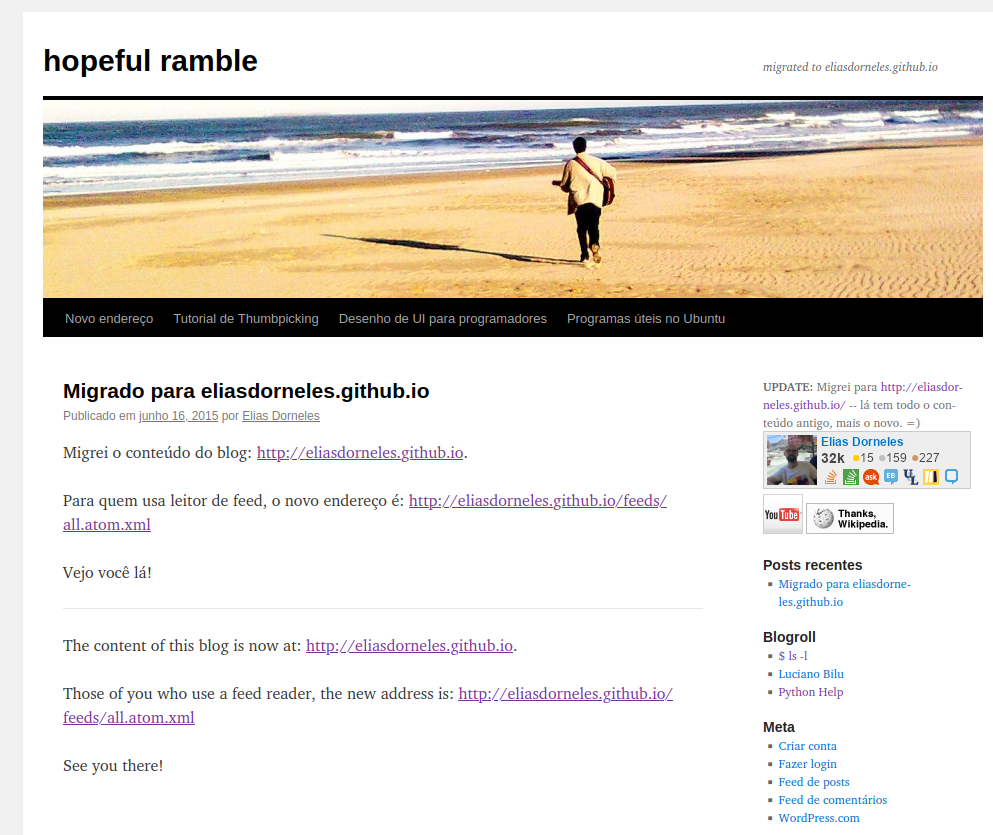
My old Wordpress blog
I used that Wordpress blog for years, it had a nice WYSIWIG editor which worked nicely most of the time. I specially liked how easy it made adding images.
Anyway, I migrated out of Wordpress because it was kinda slow, I found that the ads of the free plan I was using were getting too much in the way of the content, the no-ads subscription was expensive and I guess I wanted to toy with static site generators.
I think I even had a phase of using Google's blogger platform for some time, before moving to GitHub pages with a static site generator.
Now, GitHub pages is great, and I chose Pelican as static site generator because that was what we had for Python back then and I thought sticking with Python I'd be able to easily adapt to my needs. I just needed a decent theme, and then my blog was snappy and I was writing blog posts in Markdown right inside my editor like all the cool kids.
This was my setup for many years.
At some point there was Lektor, which is interesting and useful, but seemed a big commitment for my blog, no simple migration from Pelican and no simple way out of it either.
Blog writing in Vim Markdown files
As a programmer, I am used to the workflow of making code changes in an editor, compile the code, fix compilation errors, compile again and then run. It was how I learned to code back in 2004, writing small C programs in college.
I adapted to the workflow of writing blog posts in Markdown in an editor and then running some commands in order to view the result. Not suuuper fluid, but that's fine.
However, over the years there were two things that were bothering me:
- every time I'd want to write a blog post, I'd spent some time fiddling with the setup because of issues either with the Python environment setup or with dependencies that were too old or no longer compatible
- the workflow for adding images to my posts was just too bad. I had to copy the image file into the proper folder, reference it with the proper syntax, and if I wanted to resize the image of course I had to do it manually.
In fact, I wrote about these frustrations in a post from 2018:
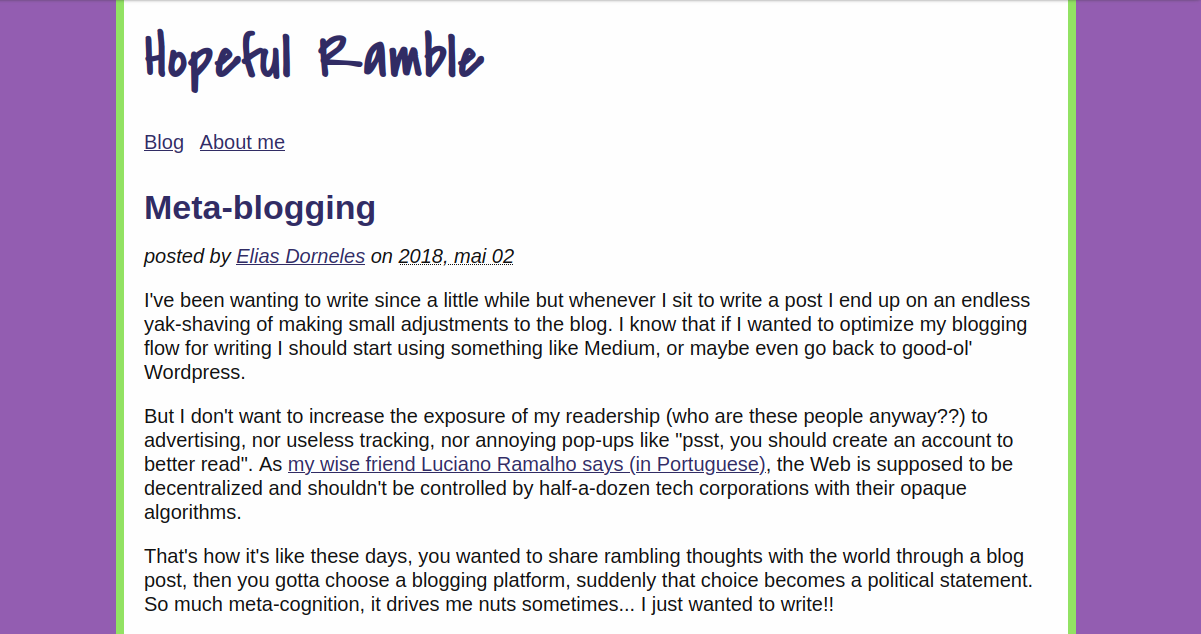
My old blog post, with the layout from back then
Anyway, I expressed that frustration and then went on with my life, not blogging much, not using images much when I did.
Writing my own static site generator
At some point, I started wanting to learn new programming languages again, to get out of my Pythonic comfort zone. And you know, a static site generator is such a classic yak-shaving project for getting your feet wet with a new programming language.
So while I was learning Odin last year, I decided to write my own static site generator, just for my own needs, which would solve all my issues with environment setup and dependencies nonsense.
That's how I ended up completely replaced Pelican with some hacky Odin code which does the job pretty well and is also super fast. It uses a handmade template engine with supports just enough jinja2-like syntax for the features used in my blog theme. I actually simplified the theme to avoid implementing some features in the template engine -- YAGNI and KISS are my way of life!
So now I had a snappy website that was developed with my own static site generator tooling, no Python environment issues nor annoying dependencies breaking compatibility.
Only remained the "decent workflow to add images to my post" problem.
When I described this to a friend, he was like: "are you complaining about having to write an img tag?" -- well, yes, I am! 😅 When I'm writing, I want the process to be as fluid as possible to not break my thinking, I want to go from the thought of adding an image to having the image integrated to my text with the minimal amount of cognition as possible.
So I vibecoded a blog post editor
It supports adding images via drag-n-drop, and I can also just paste an image from the clipboard, which is great for screenshots, for example. When I add an image, it will preprocess it (thanks Pillow), optimizing it for web usage.
Here, let me add a screenshot of the editor as it is looking right now:
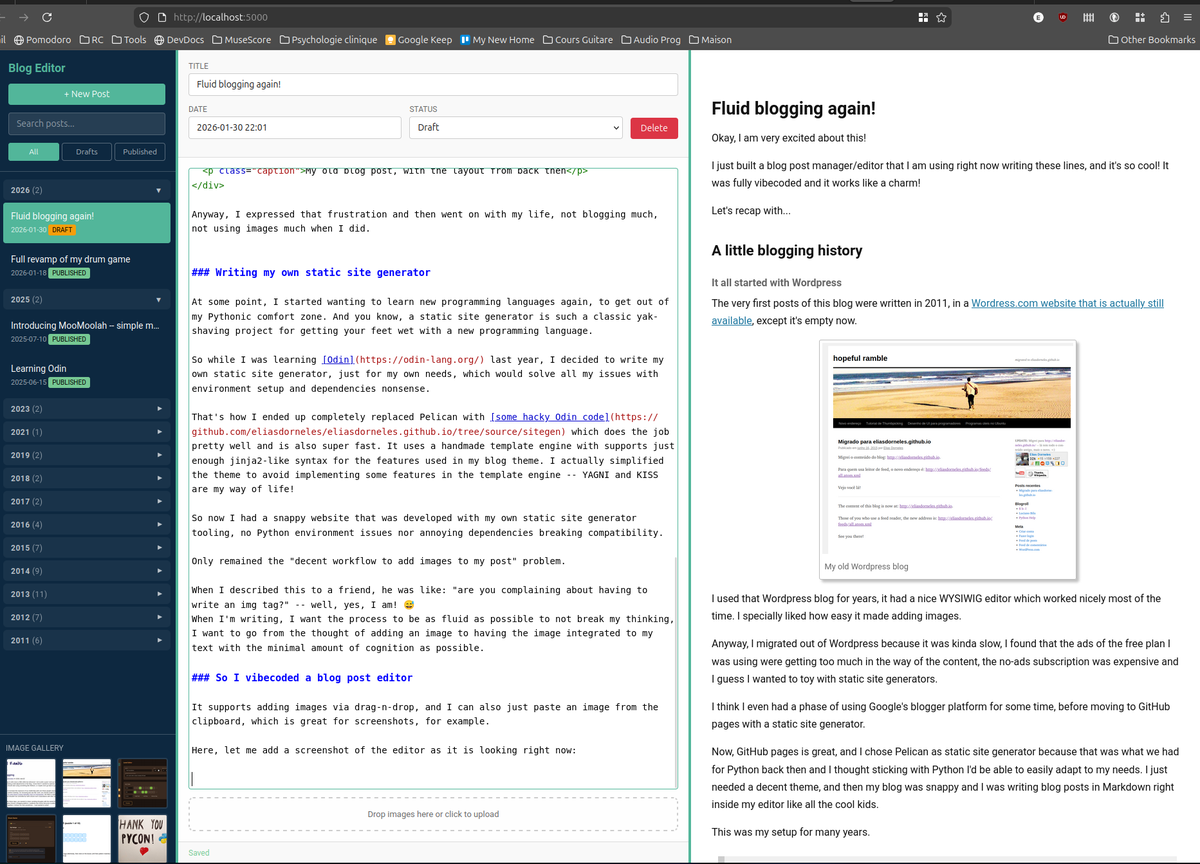
I just Ctrl+V this from my clipboard! Ahhh... so cool to be able to do that this easily!
As you can see, I get Markdown syntax highlight via Code Mirror 5, Markdown preview via marked.js, and I can even make links by pasting the URL while selecting the target text.
I can now retire the scripts that I was using to ease the blog writing inside Neovim.
Epilogue
Did I really need AI for this? Could I have already built something like this before?
I guess I could, but it would take more effort than I'd estimate worth it, because I'd tell myself: "nah, not worth to do all that just to avoid typing an img tag", so I think that's why I never even considered it.
But making this tool makes me happy. I feel like writing on the blog again. I feel like I can fix more things than before.
That I could get a result this good from a few prompts with Claude Code in just a couple hours, building something I'm able start using right away and can tweak to be just perfect for me... well, that's progress!